How to Make a Music Video Storyboard (Step by Step)
Storyboard a music video to the track — map sections to timecodes, mix performance and story shots, and keep the artist recognisable across every look.
Tutorial · · 3 min read
A music video storyboard is different from a film storyboard in one important way: the song is already finished. The edit has to land on the beat, the chorus will come back whether you're ready or not, and you know to the second how long you have. That makes the board easier to structure and harder to fudge.
Here's a step-by-step method, with a worked example for a fictional indie-pop track, "Paper Planets" by Nova Reyes.
Start from the song: sections, timecodes, energy
Before any images, map the track:
- Listen through and mark every section with its timecode: intro, verse, pre-chorus, chorus, bridge, outro.
- Note the energy of each: quiet, building, peak.
- Mark any moments the picture must hit: a drop, a lyric that names something, a pause.
That map becomes the skeleton of the board. In Storyboard Room, each section can be its own scene, named with its timecode — "Verse 1 (0:00–0:32)", "Chorus (0:32–0:58)" — so the board reads like the song.
Performance, narrative and B-roll
Most music videos mix three kinds of shot:
- Performance — the artist singing to camera. The backbone: the editor can always cut back to it.
- Narrative — a story, even a loose one, that runs alongside.
- B-roll — textures, details and cutaways that carry rhythm.
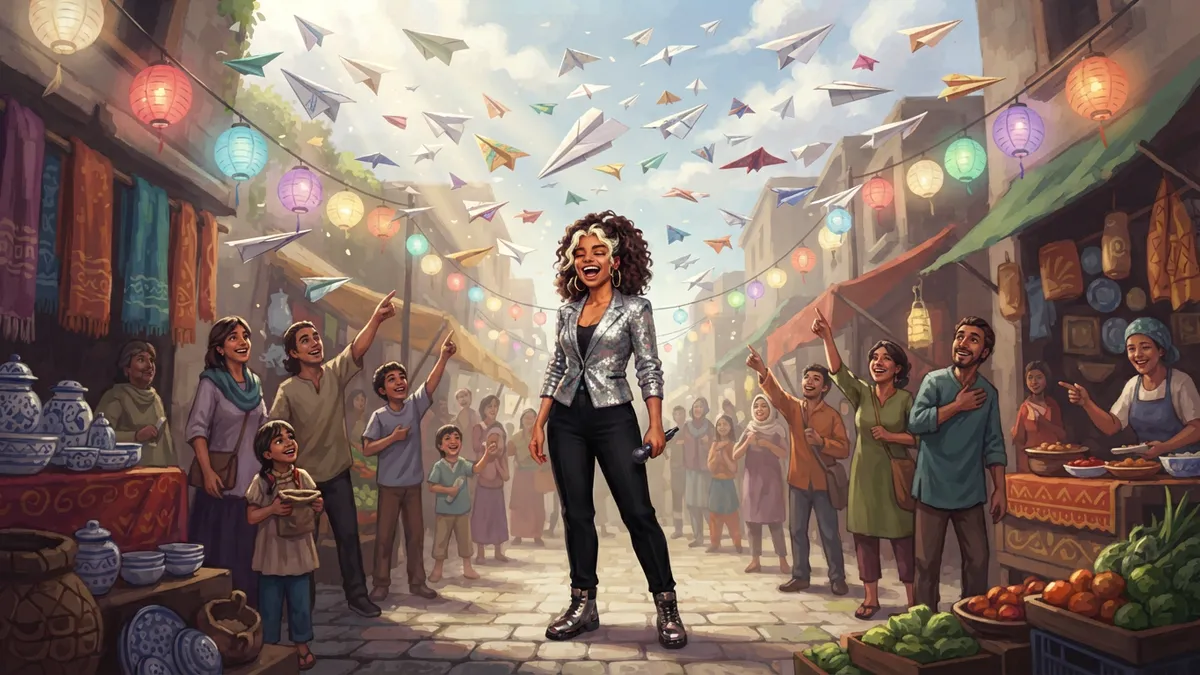
A simple, reliable structure is to alternate performance and narrative by section, and let the chorus combine them at the peak.
Number shots and note timing for the editor
Give every frame its section and an approximate in-point: "Chorus 1 · 0:34". Note any shot that must land on a specific beat or lyric. You're not editing yet — you're making sure there's enough coverage for each section, and that the high-energy sections have more, shorter shots than the quiet ones.
Keep the artist recognisable across looks and locations
Music videos change looks constantly — new outfit, new location, new lighting — and the artist still has to be unmistakably themselves. If you're generating frames with AI, this is where it most often goes wrong, because a neon studio and a daylight street pull an image model in very different directions.
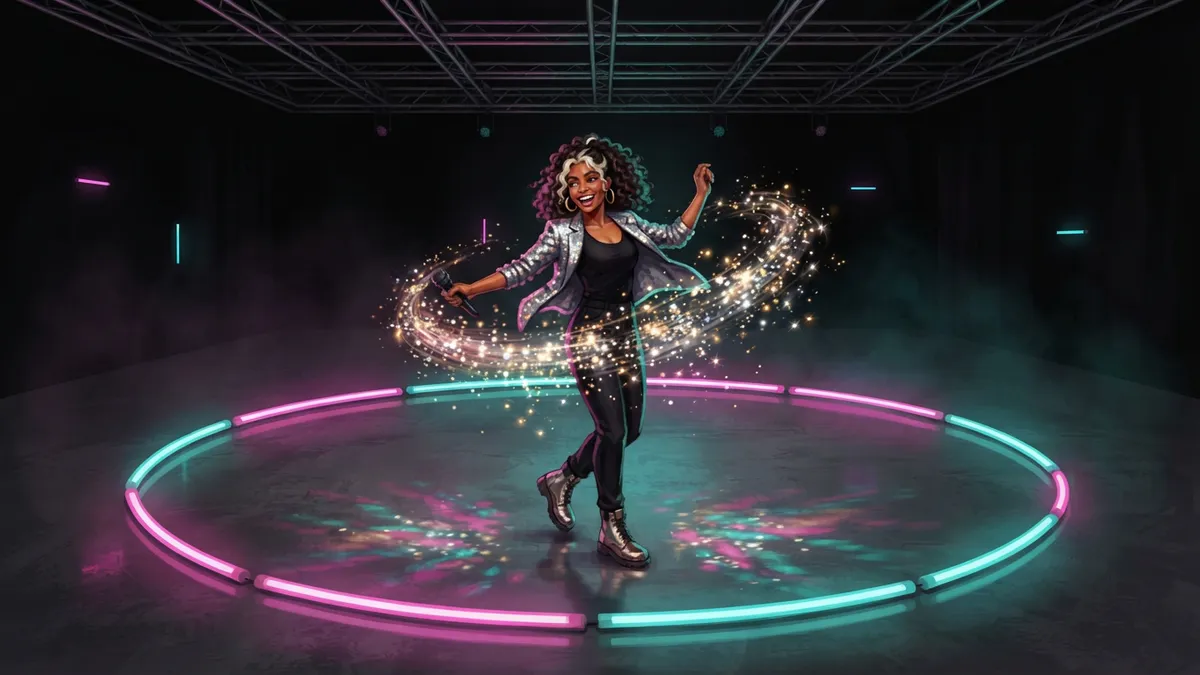
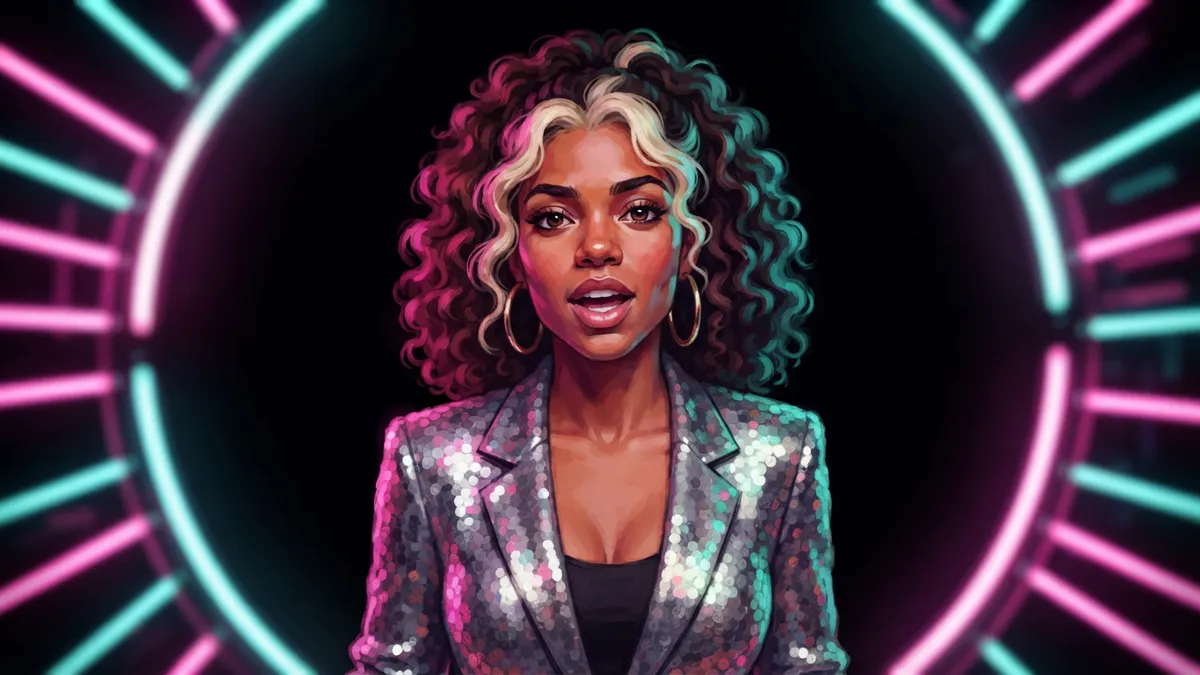
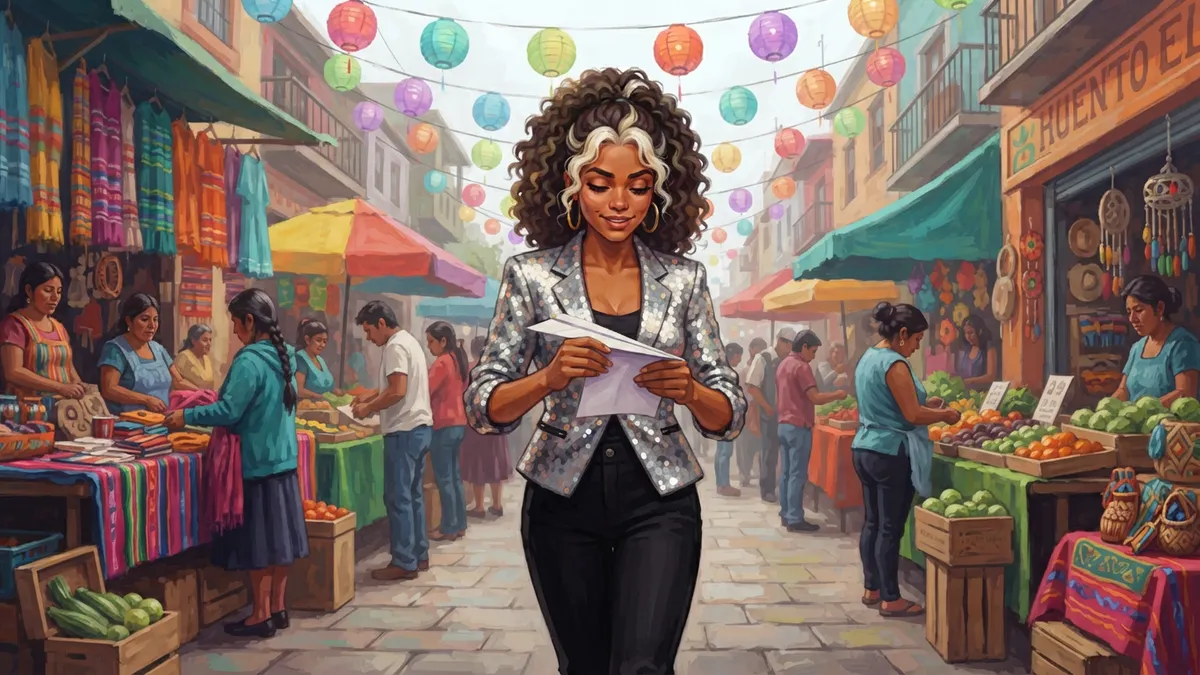
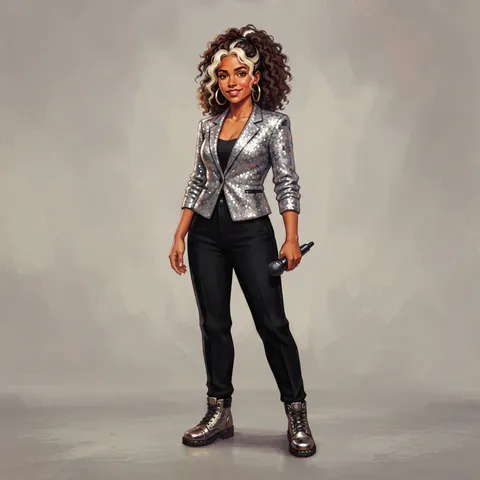
Give the artist a reference portrait and pass it with every shot they're in. Nova keeps her curls, bleached streak and gold hoops from the neon studio to the market above. For more on the technique, see how to create consistent characters with AI.
How long should each shot be in a music video?
Faster than in a film, and tied to tempo. A common approach is to cut on the beat or on multiples of it — every bar in a verse, every two beats at the chorus peak. As a planning number, many shots in pop videos last somewhere between one and four seconds, with longer holds for the performance moments you want the audience to sit in. Let the song's tempo, not a rule, decide.
Do music videos need a full storyboard or just a treatment?
A treatment — a written pitch with mood images — is usually what wins the job. A storyboard is what makes the shoot day work. For a performance-only video in one location, a shot list and a few key frames may be enough. Once you have multiple locations, a narrative, VFX or a tight shoot day, board the whole track.
And when you want to see motion before the shoot, turn a key frame into a short clip — Storyboard Room's image-to-video works on any frame — to check that a move or a moment actually plays. It's a quick test of the idea, not a replacement for the shoot.
Checklist
- Map sections and timecodes before drawing anything.
- One scene per song section.
- Alternate performance and narrative; combine them at the peak.
- Note in-points and must-hit beats on the frames.
- One reference portrait for the artist, used everywhere.