Script to Storyboard: A Shot-by-Shot Breakdown Guide
Turn any script into a storyboard — break scenes into shots, choose framing, carry dialogue and action into each panel. A step-by-step method with a worked example.
Tutorial · · 4 min read
A script tells you what happens. A storyboard tells you what the audience sees while it happens. Getting from one to the other is a translation job — and like any translation, it goes faster with a method.
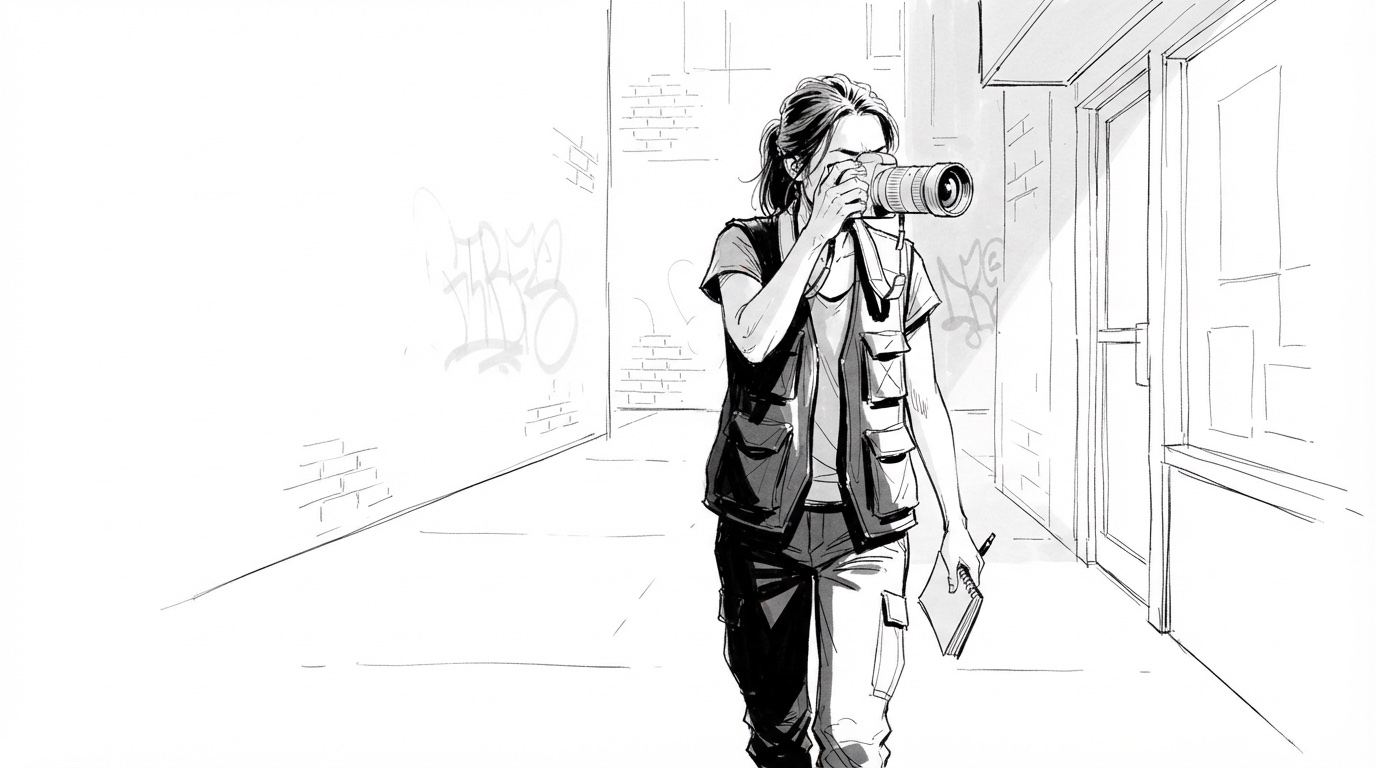
This guide breaks the process into five steps and works through a real example: two pages of a neo-noir short, "The Negative Space", turned into ten storyboard frames.
Read for beats, not lines
Before you think about cameras, read the scene and mark its beats — the moments where something changes. A new piece of information, a decision, an arrival, a reveal. Dialogue often runs straight through a beat without marking it, so read for what the characters want and when that changes.
In "The Negative Space", the first scene has five beats:
- The city, before our photographer arrives.
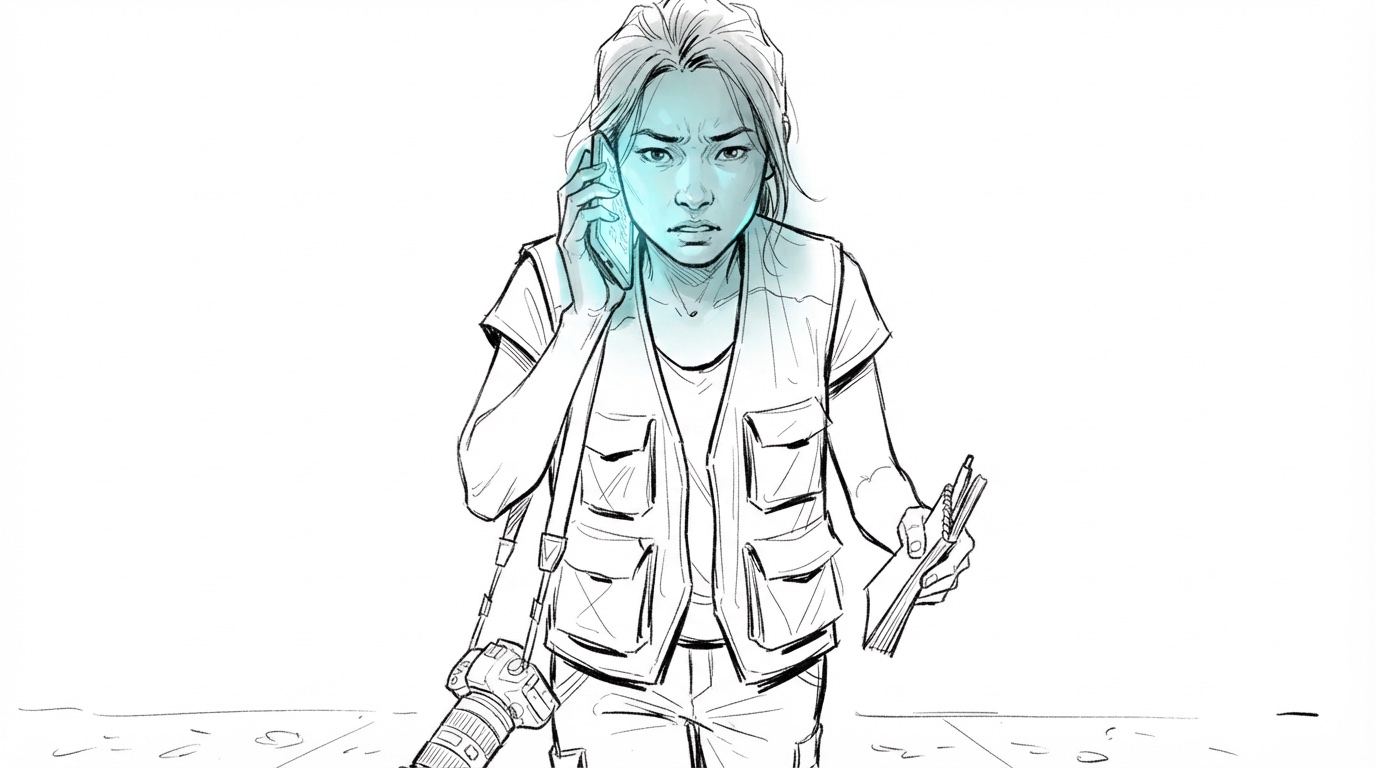
- Maya follows a clue only her camera can see.
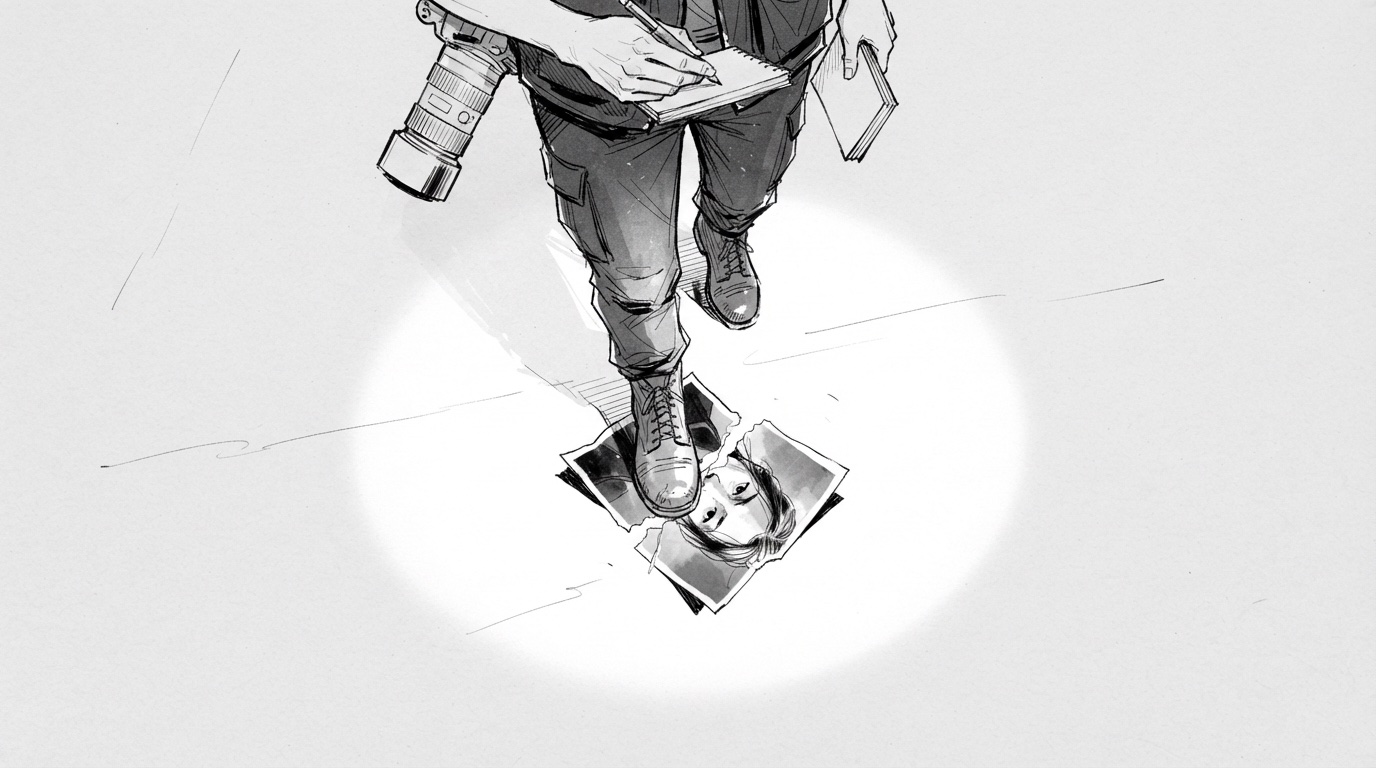
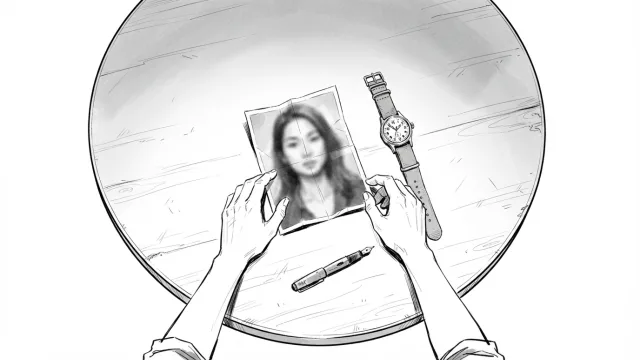
- She steps on a torn photograph.
- Sam calls to warn her off.
- Someone across the street has been watching.
Five beats is a good sign you'll need at least five shots.
Break the script into scenes, then into shots
A scene is continuous action in one place and time. A shot is one uninterrupted take from one camera position. Break the script into scenes first (the sluglines do most of this for you), then give each beat at least one shot.
Some beats need more than one. A conversation is usually covered by a wide and then alternating singles. A reveal often needs the reaction and the thing being reacted to.
Decide shot size, angle and movement for each beat
Now — and only now — pick the camera. For each shot, decide three things:
- Size: how much of the subject is in frame (wide, medium, close-up).
- Angle: where the camera is (eye level, high, low, over the shoulder).
- Movement: whether the camera moves (static, pan, tracking, push in).
A useful default: open a scene wide so the audience knows where they are, move closer as the tension rises, and save the tightest shot for the most important beat. Our visual guide to camera angles and shots shows every option drawn on the same subject.
Carry dialogue and action into the panel notes
Each storyboard frame needs a few lines under it:
- Action — one sentence of what happens in the shot.
- Dialogue — the line, or "(V.O.)", if one is spoken over this frame.
- Camera — size, angle, movement.
- Notes — anything the crew needs: a prop, a sound cue, "hold for eight frames before the cut".
Keep the action to what the camera sees. "Maya realises the photo is from tomorrow" is a thought; "Maya stares at the timestamp" is a shot.
Doing it by hand vs generating a first draft with AI
Doing the breakdown by hand teaches you the script. It's also slow, and the drawing step is where many projects stall.
Generating a first draft is now a realistic alternative. In Storyboard Room you paste the script; the text model splits it into scenes and shots with an action, camera and lighting line for each, and the image model draws every frame. The useful part isn't that it's automatic — it's that you get a complete board to disagree with. Merge two shots, add a reaction, change "wide" to "low angle" and redraw that one frame. You still make every decision; you just make them on a board instead of on a blank page.
How many shots per page of script?
There's no fixed ratio. A page of quiet dialogue might be covered in three or four shots; a page of action can need dozens. Action, comedy and commercials sit at the high end, dialogue-driven drama at the low end. Any per-page average you hear is only a rough planning aid — schedule from your actual breakdown.
Do you storyboard every scene or only the complex ones?
On a small production, board the scenes that are expensive to get wrong: stunts, VFX, anything with a lot of extras or a location you'll only have once. Simple dialogue scenes can often run from a shot list instead. On commercials and music videos, board everything — they're short enough that you can, and every frame is visible.
The method in one list
- Mark the beats.
- Split into scenes, then give each beat a shot.
- Choose size, angle and movement per shot.
- Write action, dialogue, camera and notes under each frame.
- Draft fast, then edit the board rather than starting over.