Shot List vs Storyboard: What's the Difference?
A shot list tells the crew what to shoot; a storyboard shows what it looks like. When you need each, which comes first, and a shot list example you can copy.
Guide · · 3 min read
Shot lists and storyboards describe the same thing — the shots in your film — in two different ways. One is a table, one is a sequence of pictures. Most productions benefit from both, but not always, and not in the same amount.
What a shot list is
A shot list is a table with one row per shot. It's a working document for the crew: the first AD schedules from it, the DP lights from it, and the script supervisor ticks it off on the day.
Typical columns:
- Scene and shot number
- Shot size (wide, medium, close-up)
- Angle and movement (low angle, tracking, push in)
- Subject and action
- Lens, if decided
- Setup — which shots share a camera position, so they can be shot together
- Notes — props, sound, VFX
What a storyboard is
A storyboard is the same shots drawn as frames, in story order, with a line or two of action and dialogue underneath. It's a visual document: it shows composition, eyelines, what's in the background and how one shot cuts to the next.
The difference in one sentence
A shot list tells the crew what to shoot; a storyboard shows how it will look.
Which comes first: shot list or storyboard?
It depends on how you think, and both orders work:
- Storyboard first suits visual directors and anything where composition is the point — commercials, music videos, action. You find the shots by drawing them, then extract the list.
- Shot list first suits dialogue-heavy scenes and tight schedules. You list the coverage, then board only the shots that need it.
What matters is that the two agree. A storyboard frame with no matching row means a shot nobody scheduled; a row with no frame is fine for a simple insert, but risky for anything complicated.
Do you need both for a small shoot?
Not always. A reasonable rule:
- Shot list only: interviews, simple dialogue scenes, documentary-style shoots.
- Storyboard only: very short pieces where the board is the schedule — a six-shot social ad.
- Both: anything with stunts, VFX, a client to approve it, or more than one day of shooting.
A shot list example built from a storyboard
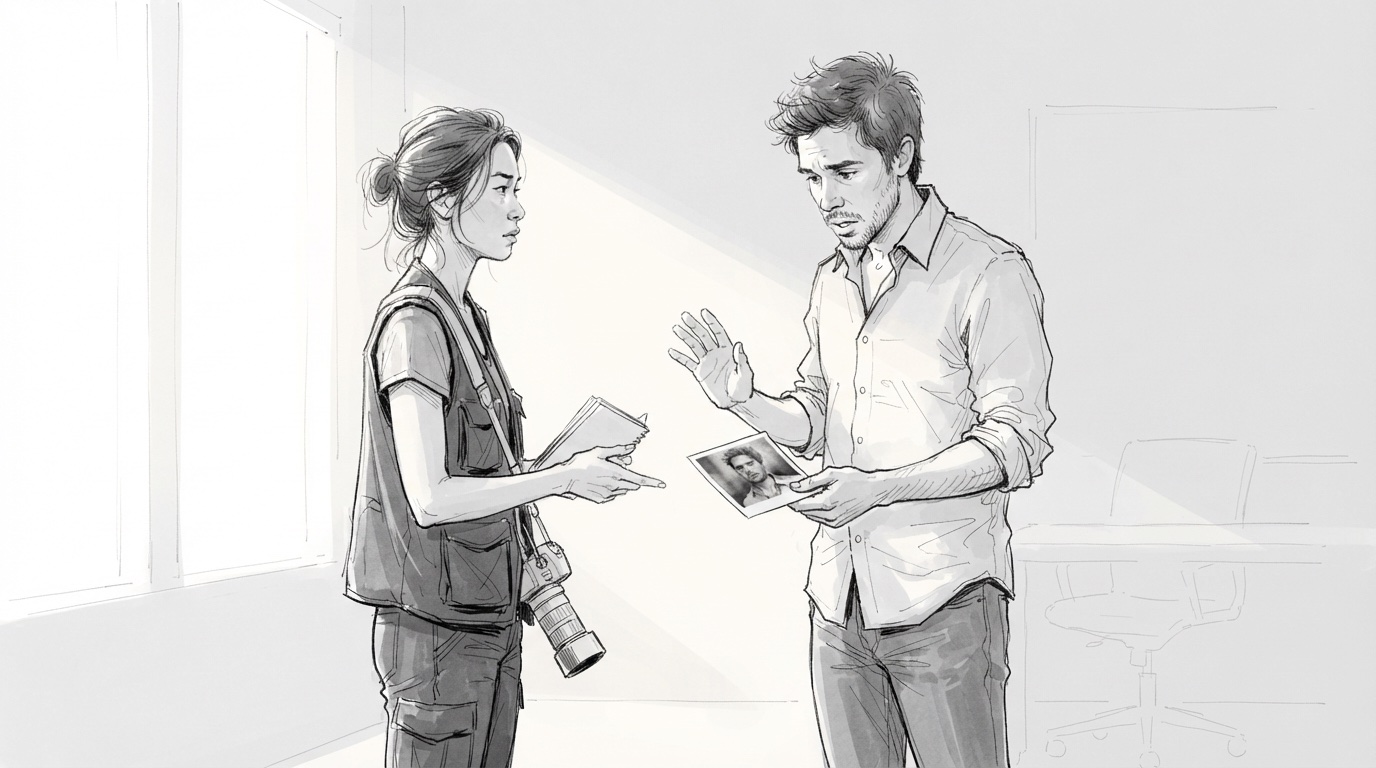
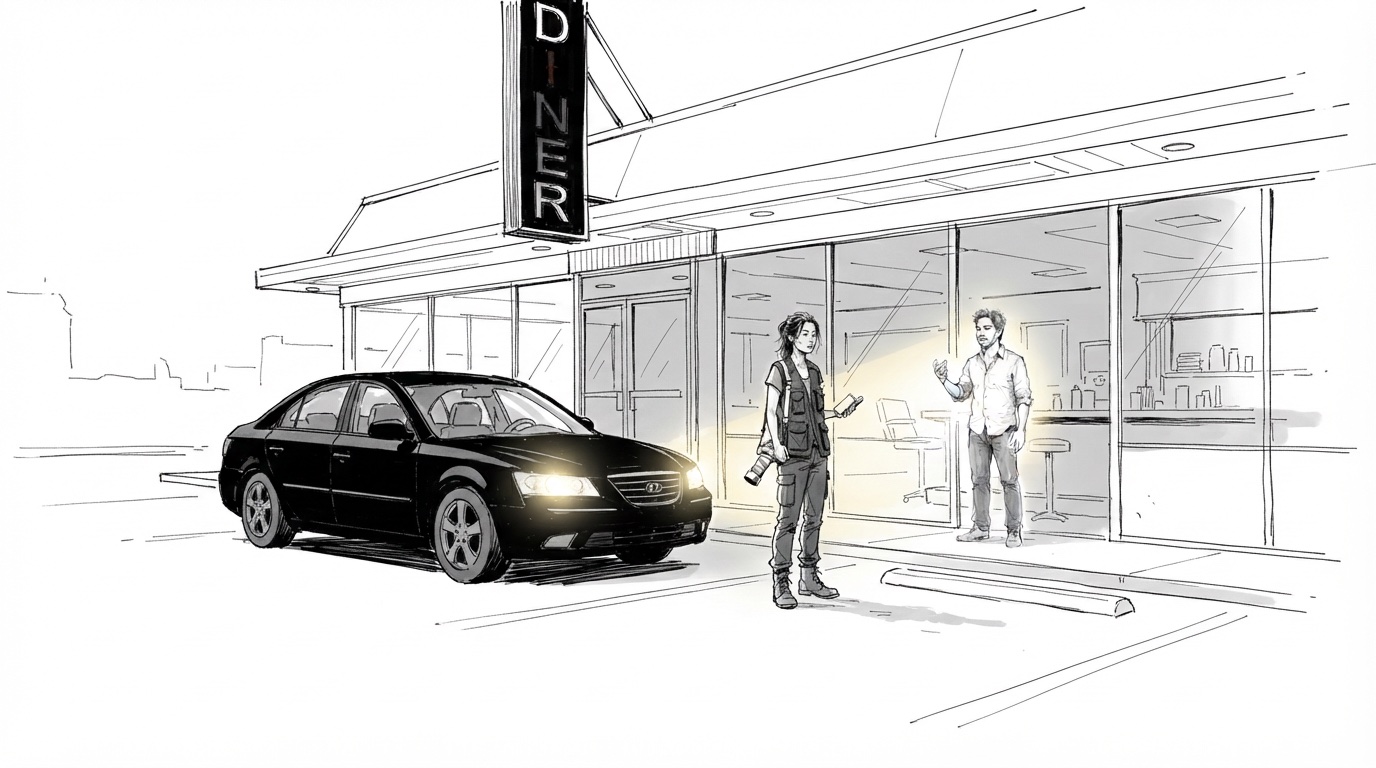
Here's the second scene of "The Negative Space", a short noir, as a shot list. Each row matches a frame in its storyboard.
| Shot | Size / angle | Movement | Action | Notes |
|---|---|---|---|---|
| 2.1 | Overhead insert | Static | Maya lays the photograph beside a stopped wristwatch | Practical: wristwatch stopped at 11:52 |
| 2.2 | Two-shot | Slow push in | Sam realises the face in the photo is his | Soft window key |
| 2.3 | Exterior wide | Locked off | A black sedan idles as the diner sign flickers off | Sign gag, three takes |
| 2.4 | Medium wide | Following | Maya leads Sam out through the kitchen | Fluorescent overheads |
| 2.5 | Wide | Dolly out | The empty booth as the phone starts to ring | Sound cue: phone |
Keeping the two in sync when the plan changes
The trouble with two documents is that they drift. A shot gets cut from the board and lives on in the list; a new insert gets added on the day and never drawn.
The simplest fix is to keep them as one document: a storyboard where every frame carries the shot-list fields. In Storyboard Room each shot has its camera, lighting, dialogue and notes alongside the frame, so the board is the shot list — and when you reorder or delete a shot, both change at once. Export the PDF for the crew and everyone works from the same version.
If you're building the board from a script, start with script to storyboard; for the vocabulary in the "size / angle" column, see the camera angles and shots guide.