Storyboard vs Animatic vs Previz: When to Use Each
Storyboards are still frames, animatics add timing and sound, previz simulates camera and motion. What each one is for, and how to move from one to the next.
Guide · · 3 min read
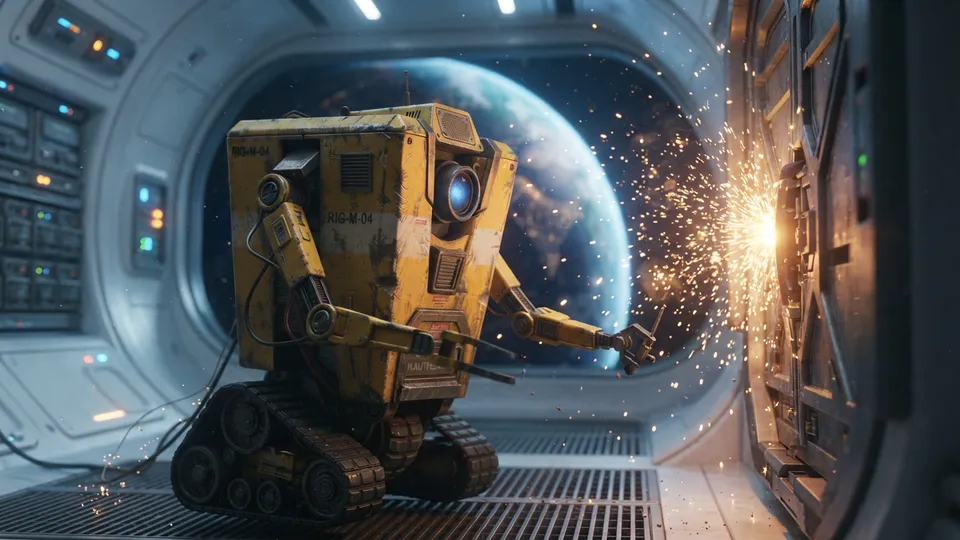
Storyboard, animatic and previz are three stages of the same idea: work out the film before you shoot it. They differ in how much of the finished film they simulate — and in how much they cost to make.
Storyboard: still key frames
A storyboard is a sequence of still frames, one per shot (or one per important moment in a shot), with notes on action, dialogue and camera. It answers what do we see, and in what order?
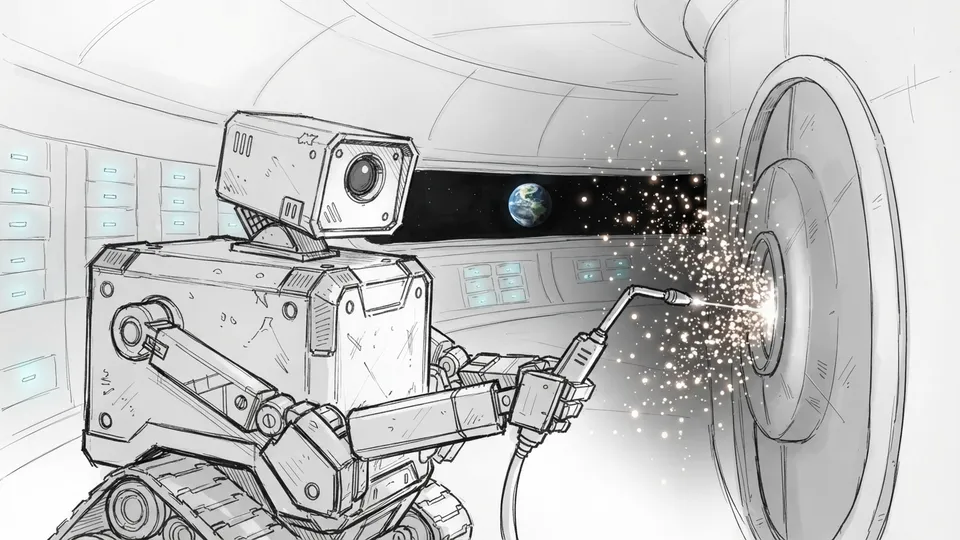
Best for: every project. It's the cheapest stage and catches the most problems — a missing shot, a confusing geography, a scene that doesn't need to exist.
What it can't tell you: pace. Ten frames on a page look the same whether the scene runs eight seconds or eighty.
Animatic: panels plus timing and sound
An animatic puts the storyboard frames on a timeline, each held for the length of its shot, with dialogue, temp music and sound effects. Sometimes panels get simple pans and zooms. It answers how does it play?
Best for: animation (where it's standard practice), commercials (where timing is everything), and any sequence where comedy or tension depends on rhythm.
What it can't tell you: how a real camera move will feel, or whether a stunt is physically possible.
Previz: simulated camera, movement and edit
Previsualisation builds the scene in 3D — rough sets, characters and a virtual camera with real lens settings — and renders the shots in motion. It answers exactly how will we shoot this?
Best for: big action, VFX-heavy sequences, complex camera rigs, anything where a day of shooting costs more than a week of previz.
What it costs: real time and a specialist team. For most commercials, shorts and music videos it's more than the job needs.
Is an animatic a type of previz?
Sources disagree. Some treat "previz" as any pre-production visualisation, which would include storyboards and animatics. Others reserve the word for 3D simulation with real camera data. In practice, if someone on your production asks for "previz", ask what they need to decide — timing, camera moves or VFX plates — and make the cheapest thing that answers it.
Which one does a commercial or short film need?
| Project | Storyboard | Animatic | Previz |
|---|---|---|---|
| Social ad, 6–15s | Yes | Optional | No |
| TV commercial, 30s | Yes | Usually | For VFX shots only |
| Music video | Yes | Optional | Rarely |
| Short film | Yes, key scenes | For action or comedy | Rarely |
| Feature, VFX-heavy | Yes | Yes | Yes |
For commercials specifically, see how to storyboard a commercial.
Turning storyboard frames into motion tests
There's now a useful step between a still board and a full animatic: generating a short clip from a single frame. In Storyboard Room any frame can be turned into a few seconds of video, with an instruction like "slow push in as the sparks drift towards camera".
Treat it as a quick check — does this moment play? does the move help? — rather than as previz. It won't give you lens data or a schedule, but it can tell you in a minute whether a shot is worth fighting for on the day.
From one stage to the next
- Board everything — it's cheap, and it's where the story gets fixed.
- Animate the board where timing matters: put frames on a timeline with sound.
- Previz the expensive shots only — stunts, VFX, complicated moves.
Each stage reuses the one before it, so work done on the storyboard is never wasted.