How to Storyboard If You Can't Draw: 5 Methods That Work
No drawing skills? Storyboard with stick figures, photos, 3D blocking or AI frames. What each method is good for, and how to keep the board readable.
Tips · · 3 min read

Plenty of great directors can't draw. Storyboards exist to communicate a plan, not to be admired, and there are several ways to make one that never involve picking up a pencil.
Here are five methods, what each is good for, and the rules that keep any board readable — whichever you choose.
Clarity beats artistry
A storyboard frame has to answer three questions at a glance:
- What's in the frame? Who and what the camera sees.
- How big is it? Wide, medium, close — see our guide to shot types.
- What happens? The action, and any camera movement.
A beautiful drawing that doesn't answer those is a worse storyboard than a stick figure that does. Keep that in mind and the method matters much less.
1. Stick figures, arrows and frame lines
The fastest method, and still the most common on set.
- Draw the frame rectangle first, in the right aspect ratio. The edge of the frame is half the information.
- Use a circle for a head and a line for eyelines — which way someone looks matters more than what they look like.
- Draw arrows for movement: inside the frame for people, outside for the camera.
- Write the shot size and the action underneath.
Good for: quick planning, shot lists you want to visualise, working alone. Weak at: selling an idea to anyone who isn't on the crew.
2. Photo boards with stand-ins
Take friends (or yourself, on a timer) to the location, block the scene and photograph each shot from where the camera will be.
Good for: real locations, real lenses — you learn whether the shot is even possible. Weak at: anything you can't stage: night exteriors, crowds, VFX, a space station.
3. 3D blocking tools
Previsualisation software and some game engines let you place mannequins and a virtual camera in a 3D set. You can try lenses and moves before the shoot.
Good for: complex camera moves, stunts, technical planning. Weak at: speed — building the set takes time — and mood; grey mannequins don't sell a feeling.
4. AI-generated frames
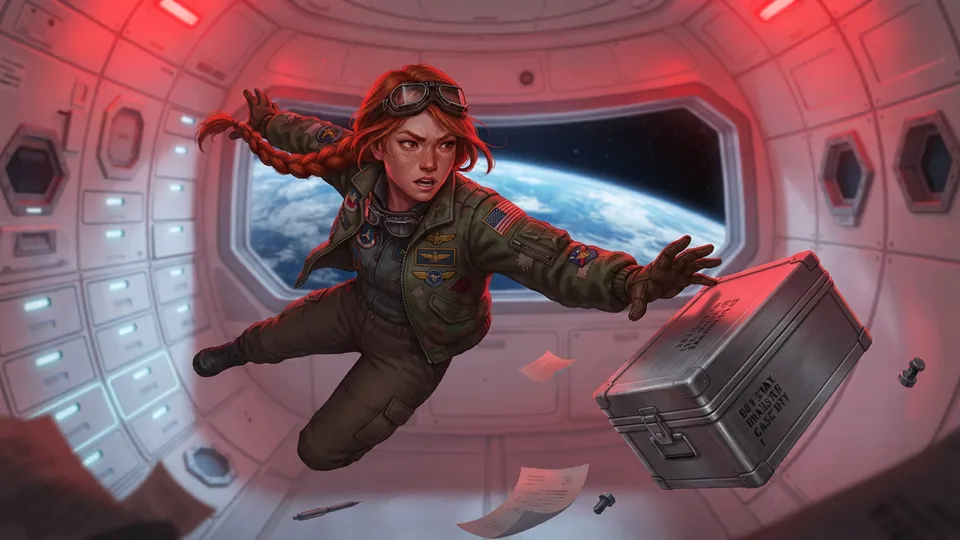
Describe the shot in words and an image model draws it. The quality is now high enough to show a client, and it handles exactly the things photo boards can't: night, weather, crowds, sci-fi.
The two problems to manage are consistency (the hero changing face between frames) and control (the model framing the shot its own way). Both have practical fixes:
- Give each character a reference portrait and pass it with every shot. Our guide to consistent characters with AI covers this in detail.
- Write the camera into the shot: "Close-up, eye level", not just "Kofi hacks the panel".
- Edit rather than regenerate: describe the fix to the frame you have.
Good for: finished-looking boards fast, impossible locations, client presentations. Weak at: precise technical planning — treat the frames as intent, not as lens data.
5. A sketch style, without sketching
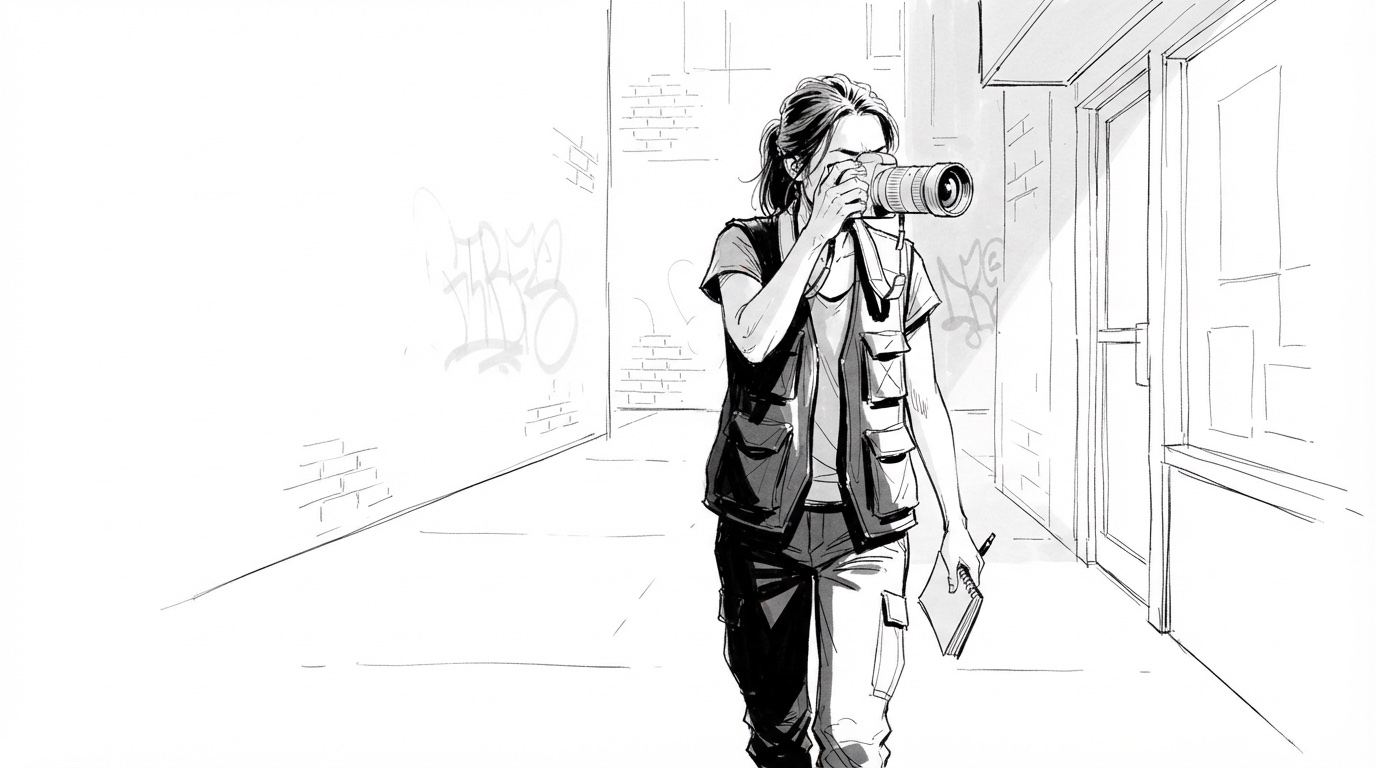
There's a middle path. A hand-drawn look tells everyone "this is a plan, not the final film", which keeps feedback on the story rather than on the colour of a jacket. Storyboard Room's built-in Sketch style draws every frame as a rough ink storyboard sketch — you get the conventions of a hand-drawn board without having to draw it.
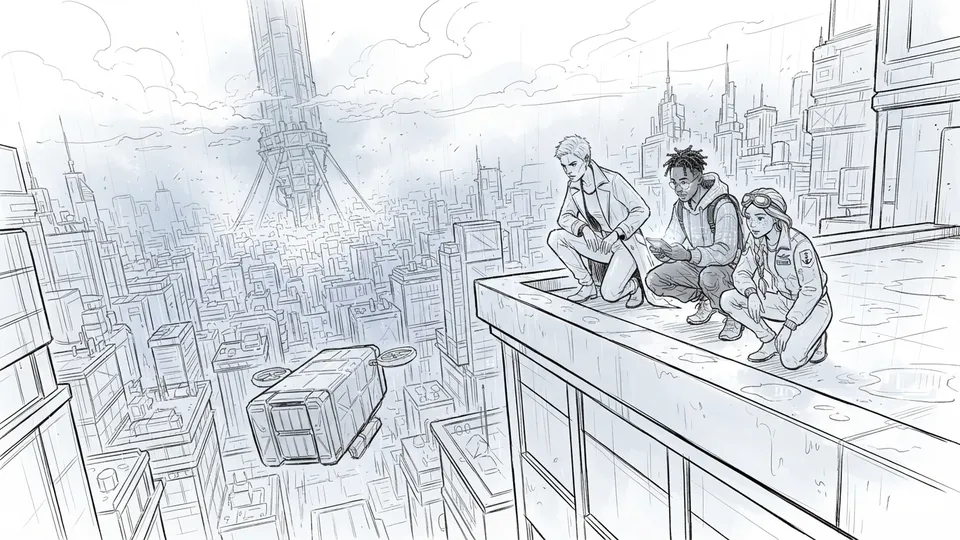


Switching the style redraws the board from the same shots and the same cast, so you can keep the rough version for the crew and show the finished one to the client.
Do directors need to be able to draw?
No. Directors need to be able to communicate a frame — size, angle, action, mood. Drawing is one way; a photo, a reference still or a generated frame are others. Many directors work with a storyboard artist precisely so they can concentrate on those decisions.
What should a storyboard always include?
Whatever the method:
- The frame, in the film's aspect ratio.
- A shot number and scene number.
- Shot size and angle.
- One line of action; any dialogue.
- Arrows or notes for movement.
Get those right and nobody will care whether you can draw.